Get smart car insurance after you pass.
Keep up the good driving with flexible insurance designed to give you more freedom.
- Get 10% off if you passed with Veygo
- Start driving without the annual tie-in
- Lower your price as you improve

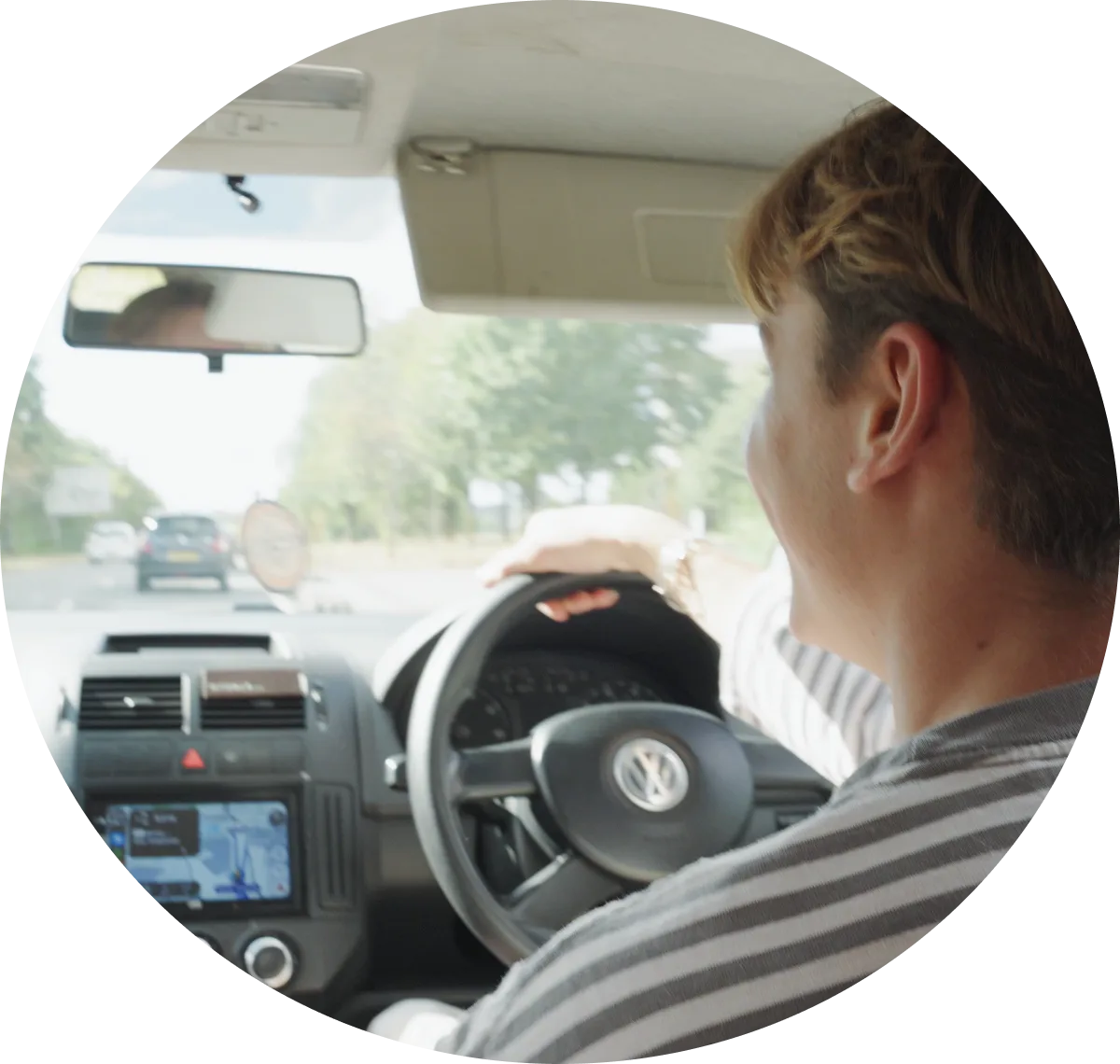
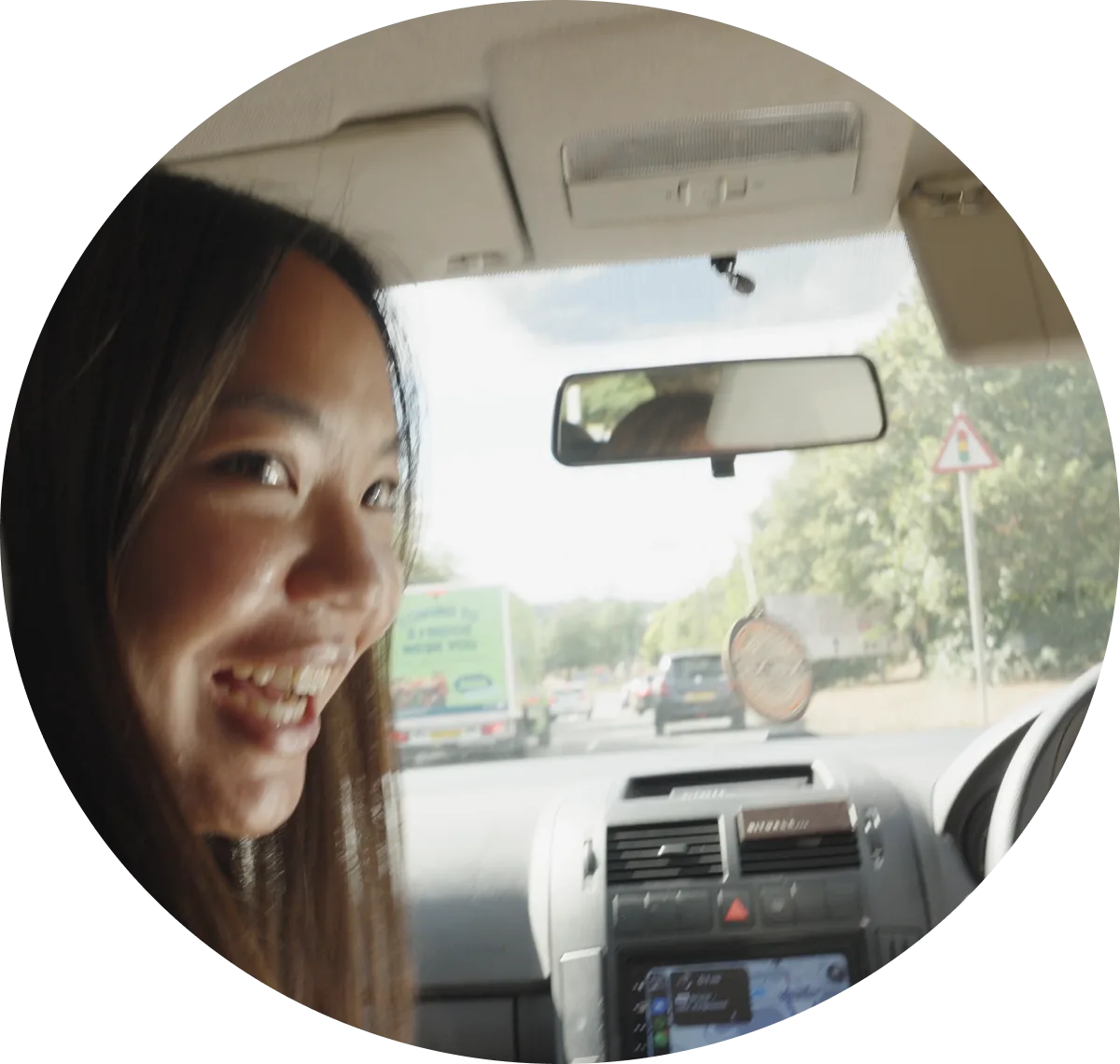



Insurance that fits the drive.
Go rolling monthly
For starting out without standing still. Get flexible monthly insurance that helps to bring your costs down as your driving improves.
Get a quote for go rolling monthlyGo temporary
For one-off drives, borrowed cars and plans that need wheels. Get insured by the hour, day or week, and only pay for the time you need.
Get a quote for go temporaryStarting out, made simple.
Newly qualified driver insurance is for the bit after you pass - when you’re ready to drive solo, and start building experience. With Veygo, you can get flexible cover in your own name, designed to support your first years on the road, and help bring your costs down as your driving improves.
Why learn with Veygo?
- Sorted in minutes - get covered quickly when plans change
- Built around real life - hourly, weekly or monthly policies
- Expert support - award-winning UK-based customer service
- Budget friendly - just pay for what you need keep costs down
- Backed by Admiral - one of the UK’s largest insurers

Get on the road in minutes.
A few details, a quick quote, and insurance that fits the drive ahead.
-
Gather the basics
Grab your driving licence and the car reg. No paperwork treasure hunt required.
-
Choose your time
Pick when your cover starts and how long you need it for - by the hour, week or month.
-
Check out and drive
Happy with your quote? Confirm your cover and be on the road in minutes.
What’s included?
Every Veygo policy comes fully comprehensive, giving you total protection and peace of mind on the road.
You’re covered for:
- Damage to the car you’re driving
- Damage to other vehicles and property
- Injury to third parties
- Fire and theft
- UK driving
All whilst ensuring the car owner’s No Claims Bonus stays protected.

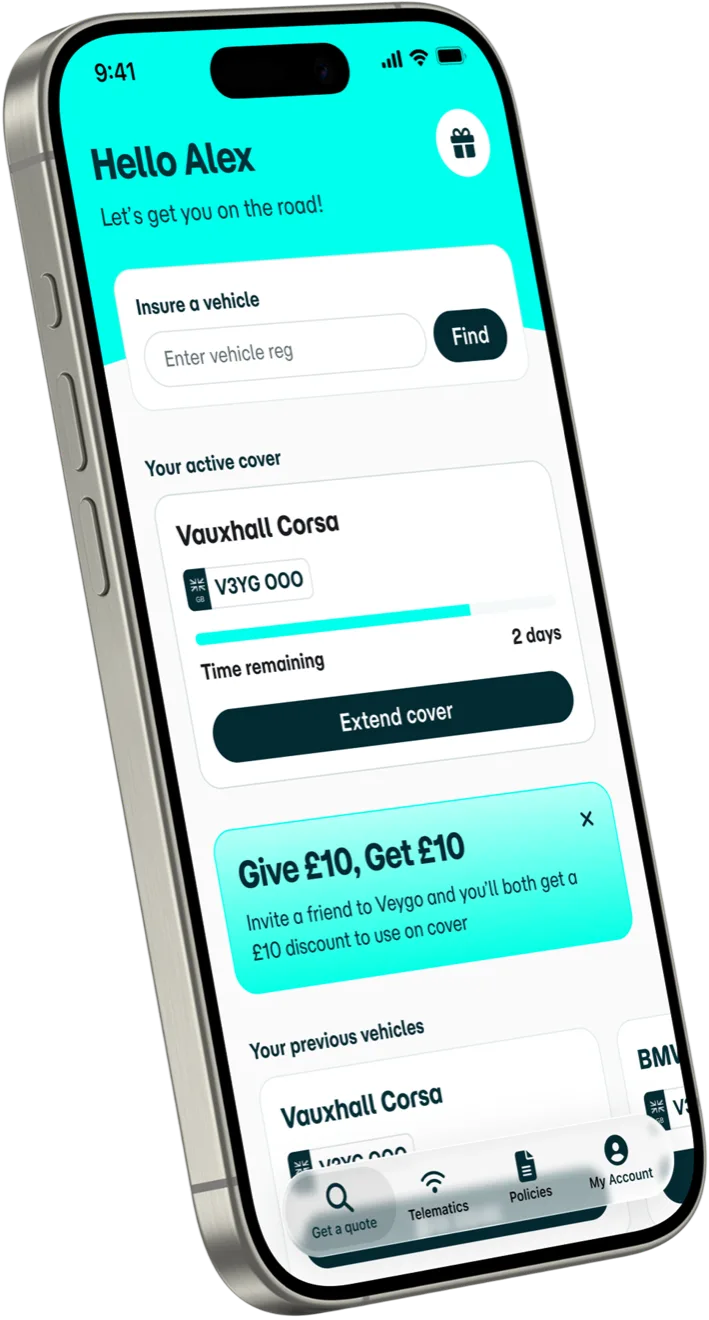
Insurance, in your pocket.
Get the Veygo app for quick cover, easy policy changes and all your insurance bits in one place.
- Keep documents handy - everything you need, right there when you need it
- Make changes easily - extend or amend your cover in a few taps
- Repurchase quicker - stay logged in and reuse your details for a smoother checkout next time
Veygo Hub



Frequently asked questions
Veygo New Driver iOS Install Guide
Discover a whole new driving experience with Veygo New Driver! Whether you’re a first-timer or seeking a different way to navigate the roads, our app is here to elevate your journey. In this guide, we’ll take you through straightforward steps to set up your Veygo New Driver policy, preparing you for a memorable ride ahead.
Onboarding Steps:
Step 1: Purchase a New Driver policy with Veygo
To access the New Driver Insights you must have already purchased a New Driver policy with Veygo.
Step 2: Download the Veygo by Admiral in the App Store
All you need to do now is download Veygo by Admiral, wait for it to download and then click ‘open’ to enter the app. Once you are in the Veygo by Admiral, just click ‘Log in’.


Device Activation steps:
Step 1: Click ‘Activate my policy’

Step 2: Click ‘Yes’ on device selection screen
By doing this you will be confirming that this is the device that you will have with you, and be tracking trips with.

App permissions steps:
Step 1: Location Permissions ‘While Using the App’
New Driver requires your a few permissions to be able to accurately score your driving. When you get to this screen first click Enable location ‘While using the app’, and then when the pop up appears select Allow While Using App.


Step 2: Location Permissions ‘Switch location to ‘Always Allow’’
Once you do step 1, the second location permission will become clickable. You will then need to change the location permissions to ‘Always Allow’, for the app to record trips.


Step 3: Motion & Fitness Activity Access
New Driver uses motion data to accurately detect that you are moving in a vehicle rather than walking or running. When you see the click ‘Allow ‘Motion & Fitness Activity,’ it will trigger a pop up. You will then need to click ‘OK’, to be able to record your drives.


Step 4: Allow Notifications
New Driver will send you notifications when trips are not recording. You will then need to click Allow, to be able to receive notifications. You can configure the notifications that you receive in your phone Settings later.


Step 5: Click ‘Confirm’ and you’re all set
That’s it you’re done! Just hit confirm and start driving.

Veygo New Driver Android Install Guide
Discover a whole new driving experience with Veygo New Driver! Whether you’re a first-timer or seeking a different way to navigate the roads, our app is here to elevate your journey. In this guide, we’ll take you through straightforward steps to set up your Veygo New Driver policy, preparing you for a memorable ride ahead.
Onboarding Steps:
Step 1: Purchase a New Driver policy with Veygo
To access the New Driver Insights you must have already purchased a New Driver policy with Veygo.
Step 2: Download the Veygo by Admiral in the Play Store
All you need to do now is download Veygo by Admiral, wait for it to download and then click ‘open’ to enter the app. Once you are in the Veygo by Admiral, just click ‘Log in’.


Device Activation steps:
Step 1: Click ‘Activate my policy’

Step 2: Click ‘Yes’ on device selection screen
By doing this you will be confirming that this is the device that you will have with you, and be tracking trips with.

App permissions steps:
Step 1: Location Permissions ‘While Using the App’
New Driver requires your a few permissions to be able to accurately score your driving. When you get to this screen first click Enable location ‘While using the app’, and then when the pop up appears select While Using App & Precise. You will then see the ‘Don’t Miss Your Trips’ Pop up where you will need to go to your phone settings and set location to ‘Allow all the time’.


Step 2: Physical Activity Access
New Driver uses motion data to accurately detect that you are moving in a vehicle rather than walking or running. When you see the click ‘Allow ‘Physical Activity’’, it will trigger a pop up. You will then need to click ‘Allow’, to be able to record your drives.


Step 3: Allow Nearby Devices
New Driver needs ‘Nearby Devices’ to determine when to start recording a trip. When you click on ‘Allow Nearby Devices’, it will trigger a pop up. You will then need to click ‘Allow’, to be able to record your drives.


Step 4: Allow Notifications
New Driver will send you notifications when trips are not recording. You will then need to click Allow, to be able to receive notifications. You can configure the notifications that you receive in your phone Settings later.


Step 5: Allow ‘Run In Background’
New Driver will send you notifications when trips are not recording. You will then need to click Allow, to be able to receive notifications. You can configure the notifications that you receive in your phone Settings later.


Step 5: Click ‘Confirm’ and you’re all set
That’s it you’re done! Just hit confirm and start driving.

Are there any driving restrictions?
You can drive at any time of day, anywhere in the UK. However, Veygo new Driver insurance does not cover you outside of the UK. If you plan to drive internationally, you’ll need to look into other insurance options.
How will my subscription price change?
Your subscription price is directly linked to your driving score, which means it will change based on your driving behaviour. If your driving score reflects safe and responsible driving habits, your subscription price may decrease. However, if there are changes in your driving behaviour that affect your score negatively, your subscription price may increase.
We know how important every pound is at the moment. Adjustments to your subscription price will come into effect every three months and will always be communicated to you in advance.
How will my data be used?
To see how we will use your data, please read Admiral group’s privacy policy.
How is your driving score calculated?
Once you buy a policy with us you will have to download the ‘Veygo by Admiral’ App, where we will measure your mobile use, speed, cornering, acceleration, and braking.
All of these factors are taken into consideration when finalising your driving reprice score.
How do I manage my subscription?
The best place to view and manage your policy is on the Veygo app, or via your account on veygo.com.
To cancel your subscription, follow the instructions here.
Can I cancel my insurance subscription?
There are no strings attached! You can cancel your subscription at any time through your account—no extra fees.
To cancel your subscription, follow the instructions here.